Improving MySQL and Laravel performance
Introduction
When your database grows from a few hundred records to millions of rows, query performance becomes critical. One of the simplest and most effective optimization techniques is using database indexes. An index allows the database engine to find matching rows quickly instead of scanning an entire table. In this document, you’ll learn what indexes are, how they work, their types, and how to use them effectively in MySQL and Laravel for both web development and engineering data management.
What is a database index?
A database index is a special data structure that stores column values in a sorted format with references to table rows. It works much like a book index: instead of reading every page, you jump directly to the information you need.
Indexes greatly improve SELECT queries but also add some overhead to INSERT, UPDATE, and DELETE operations, since the index itself needs to be kept up to date.
How indexes work
MySQL primarily uses B-Tree indexes in InnoDB. The tree keeps values sorted so the database can quickly navigate to the required record. Other index types include:
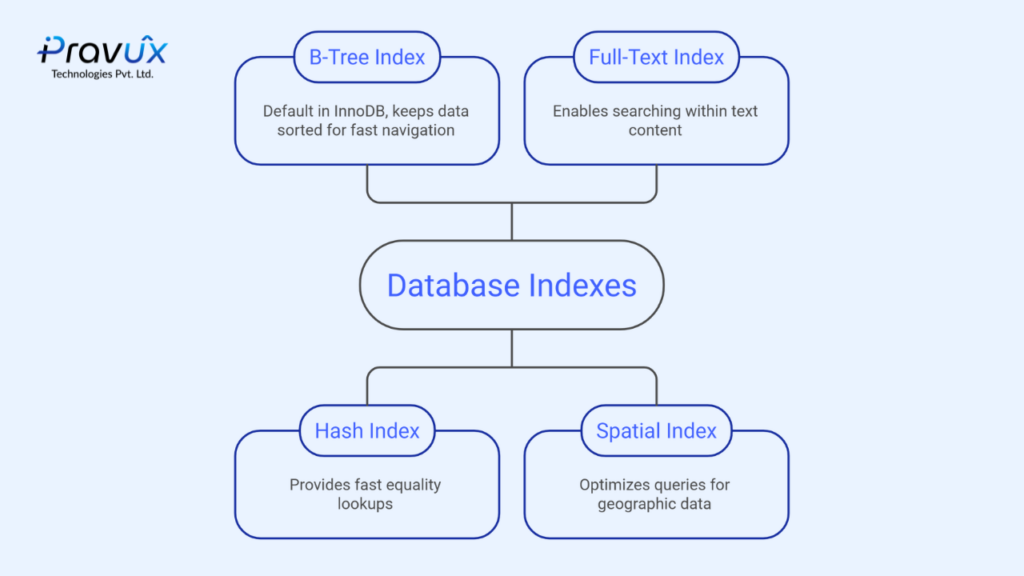
- Hash indexes – fast equality lookups
- Full-Text indexes – searching text content
- Spatial indexes – geographic data
Indexed vs. non-indexed search
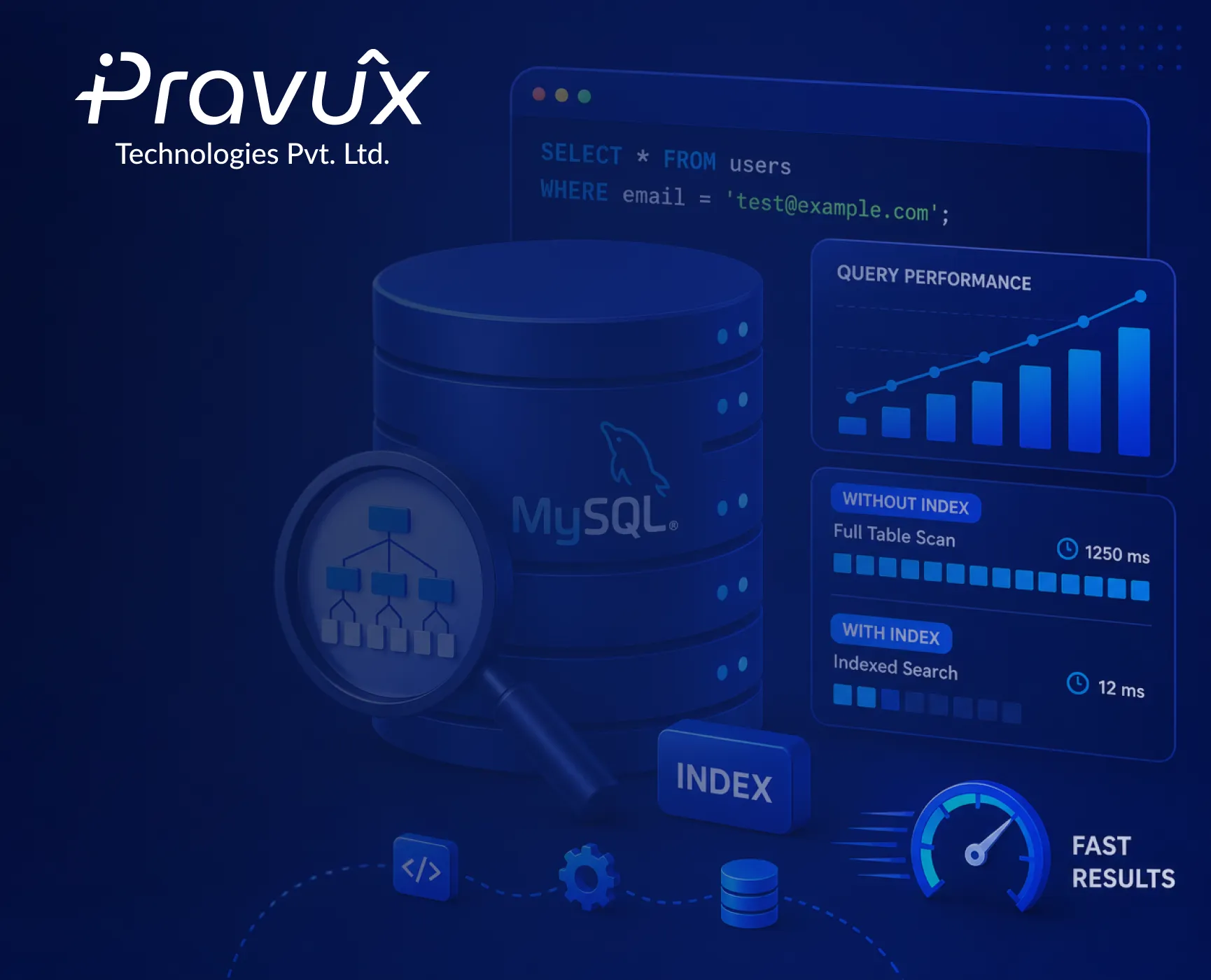
Without an index, the database performs a full table scan – checking every row until it finds a match. With an index, the database can jump almost directly to the matching row, similar to using a book’s index instead of reading every page.
Aspect | Behavior |
No index | Checks every row one by one until a match is found (slow on large tables) |
With index | Jumps almost directly to the matching row using a sorted structure (fast, even on millions of rows) |
Write cost | Slightly slower, since the index also has to be updated |
Best used on | Columns used often in WHERE, JOIN, ORDER BY, or GROUP BY |
MySQL example
Creating an index on the email column:
CREATE INDEX idx_email ON users(email);
After creating the index, searching users by email becomes much faster. Use EXPLAIN before your query to verify that MySQL is using the index:
EXPLAIN SELECT * FROM users WHERE email = ‘test@example.com’;
Laravel example
Laravel makes indexing easy directly in migrations:
$table->index(’email’);
$table->unique(‘username’);
$table->fullText(‘description’);
Always add indexes to columns frequently used in WHERE, JOIN, ORDER BY, or GROUP BY clauses.
Best practices
- Avoid indexing every column – focus on frequently searched columns
- Create composite indexes only when queries actually need them
- Periodically review and remove unused indexes
- Remember: too many indexes increase storage usage and slow down write operations
Conclusion
Database indexes are one of the most powerful performance optimization techniques available in relational databases. When used correctly, they significantly reduce query execution time and improve application scalability, a win for web development teams and backend development teams alike. Before adding an index, analyze your queries with EXPLAIN and create indexes based on real usage rather than assumptions.